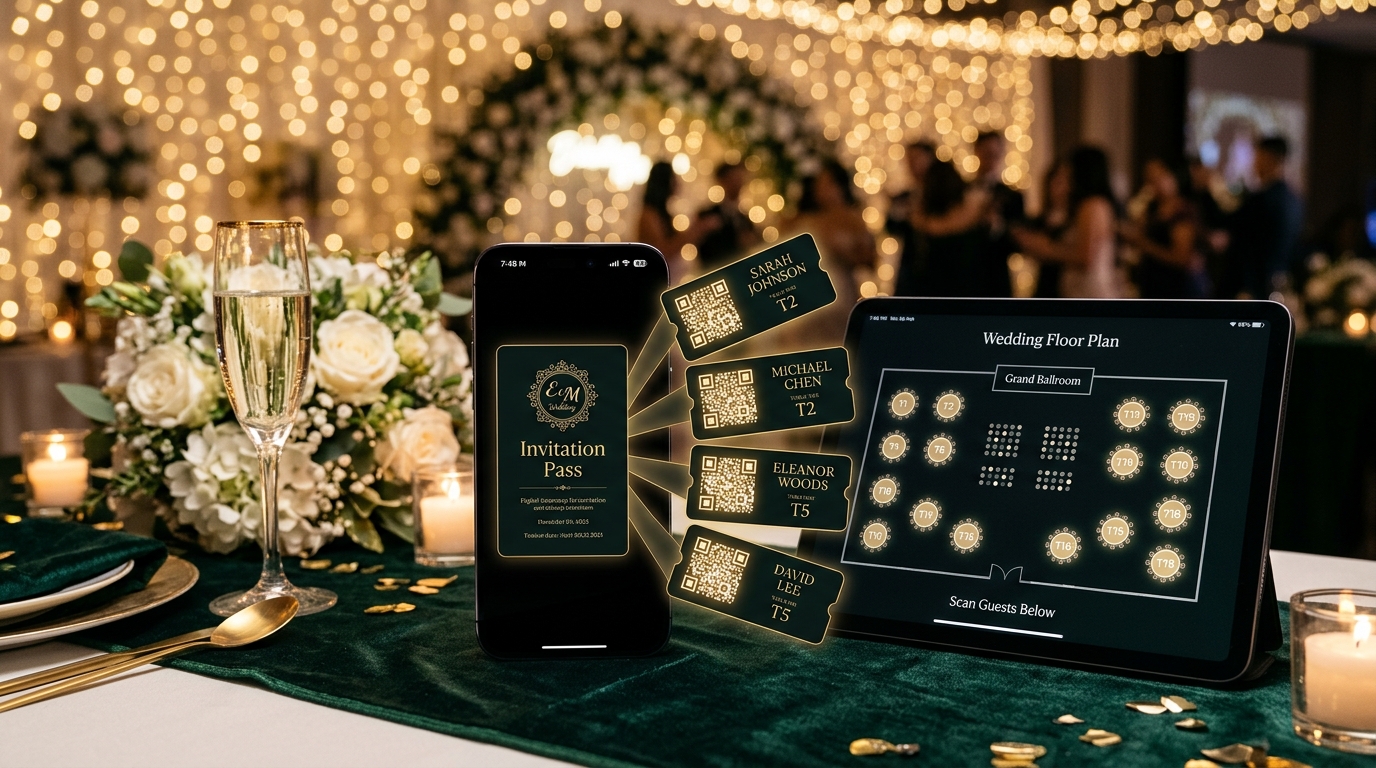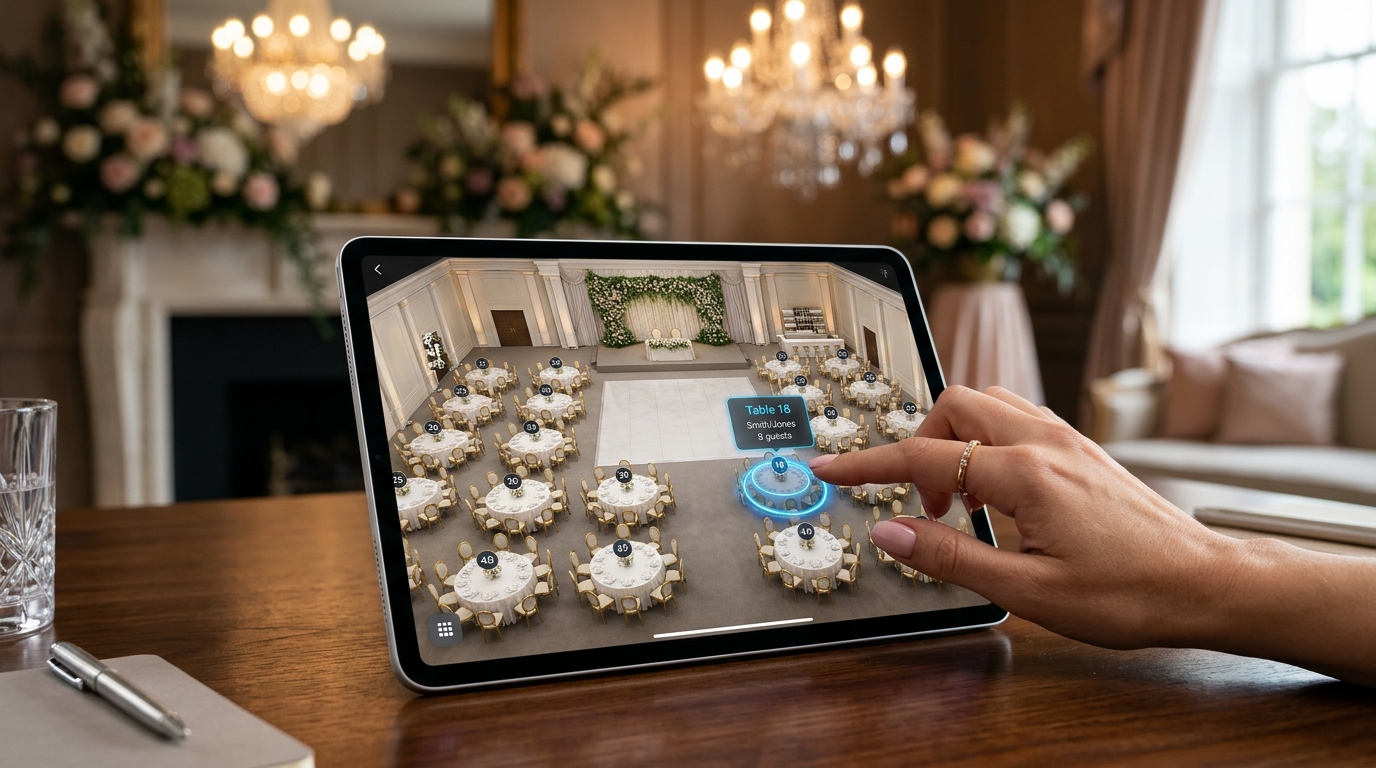
An interactive 3D venue seating chart and seat map visualizes the banquet hall architecture (stage, dance floor, VIP boxes, dining tables) directly within the wedding invitation. Guests can tap to instantly locate their highlighted table in 3D perspective and see their table companions, eliminating entrance bottlenecks.
Eliminating Entrance Chaos & Paper Poster Bottlenecks
Crowding 300 guests around a printed seating chart at the ballroom entrance is noisy and inefficient. Invitation.az solves this with Interactive 3D Venue Seat Maps:
- Illuminated Table Highlighting: Guests tap "My Table" in their digital invitation to view their exact seat illuminated in gold within the 3D hall rendering.
- Tablemate Preview (Guest Network): Guests see fellow table companions ahead of time, sparking warm conversations and seamless connections.
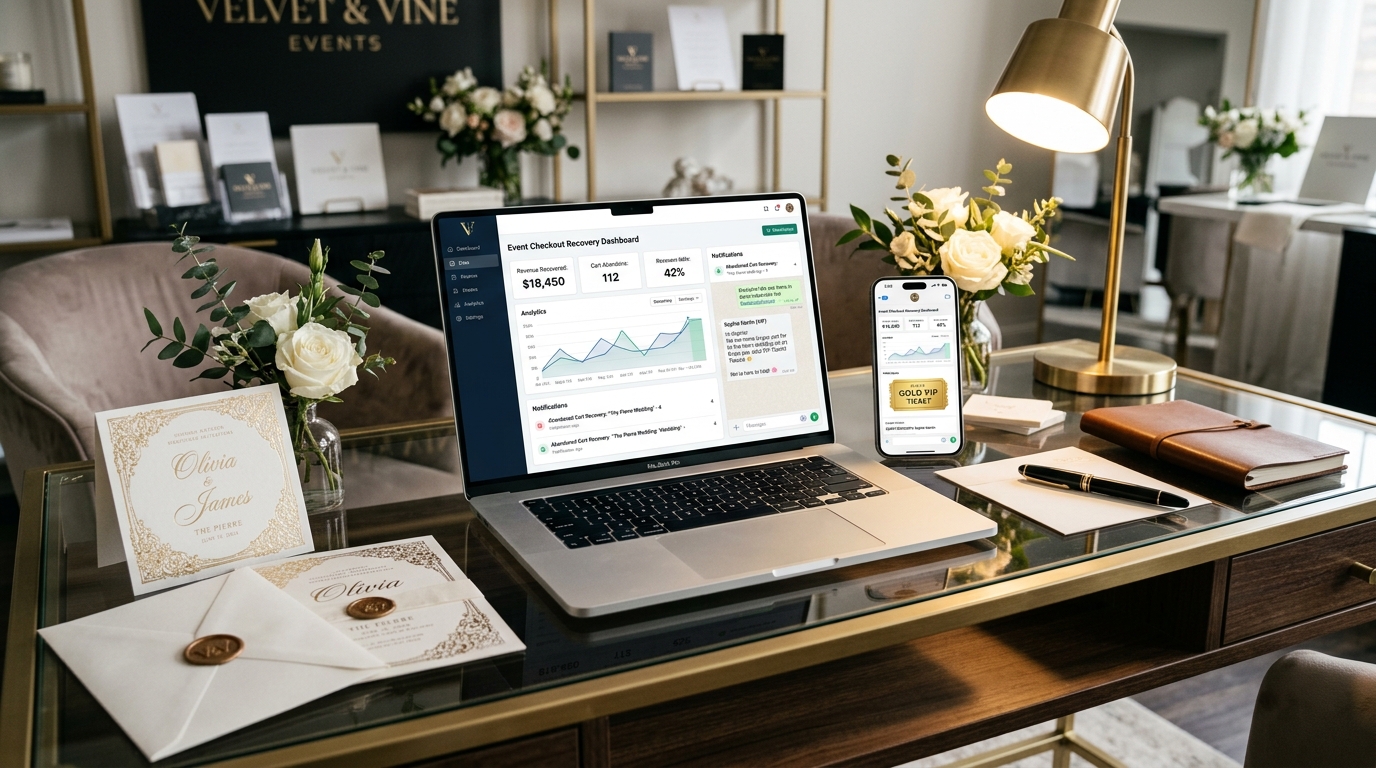
- Live Drag-and-Drop Floor Planning: Organizers arrange seats in minutes with automated capacity tracking and instant cloud synchronization.
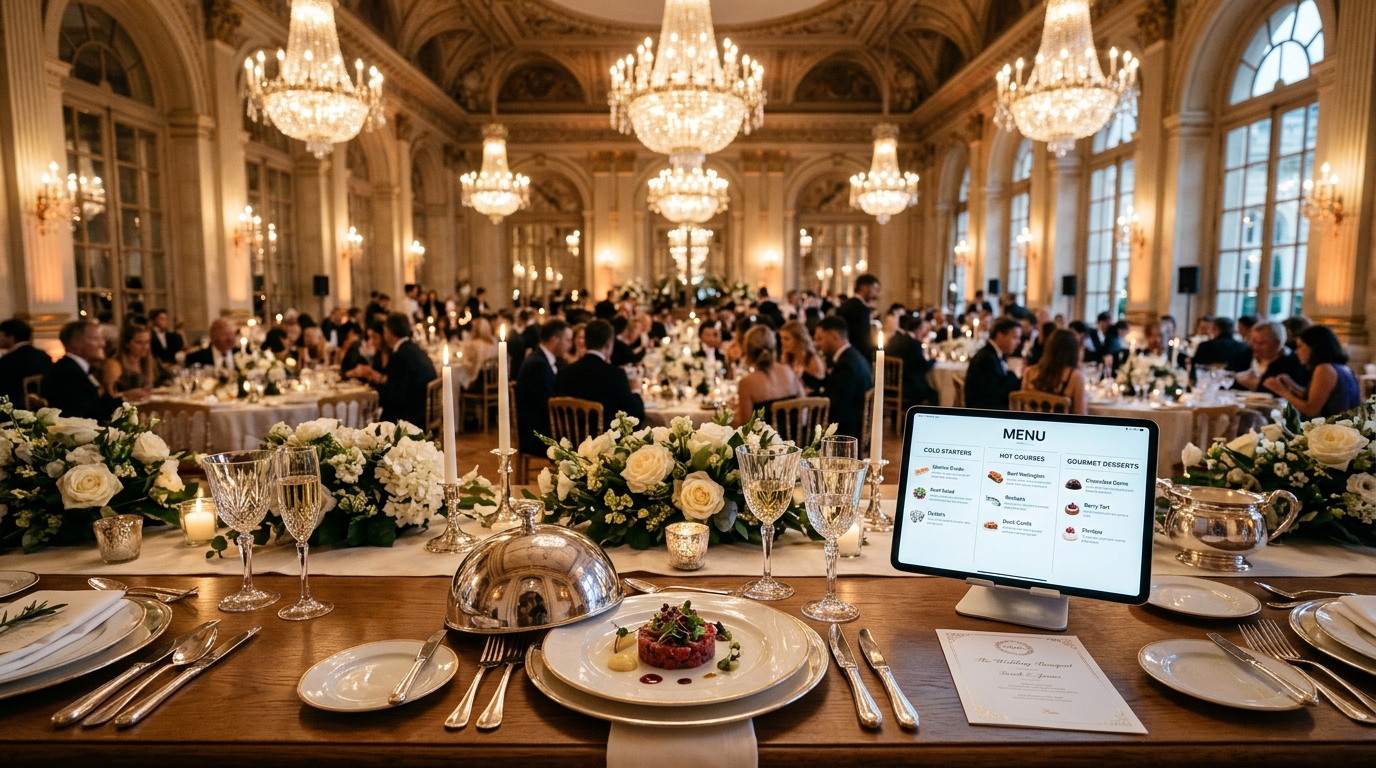
- Staff & Waiter Tablet Mode: Banquet captains monitor real-time table occupancy and dietary tags (halal, vegetarian, kids menu) on interactive tablets.
Frequently Asked Questions (FAQ)
How does a guest find their table on the 3D map?
Tapping "View Seating Chart" in the invitation opens the hall layout and automatically zooms into the guest’s assigned table with a glowing marker.
Can table assignments be modified on wedding day?
Yes. Any seat reassignments made in the organizer dashboard update instantly on the guest’s smartphone screen in real time.
Does the 3D map perform smoothly on mobile devices?
Yes. The lightweight WebGL/SVG renderer loads in under 1 second across mobile Safari, Chrome, and within in-app social browsers.