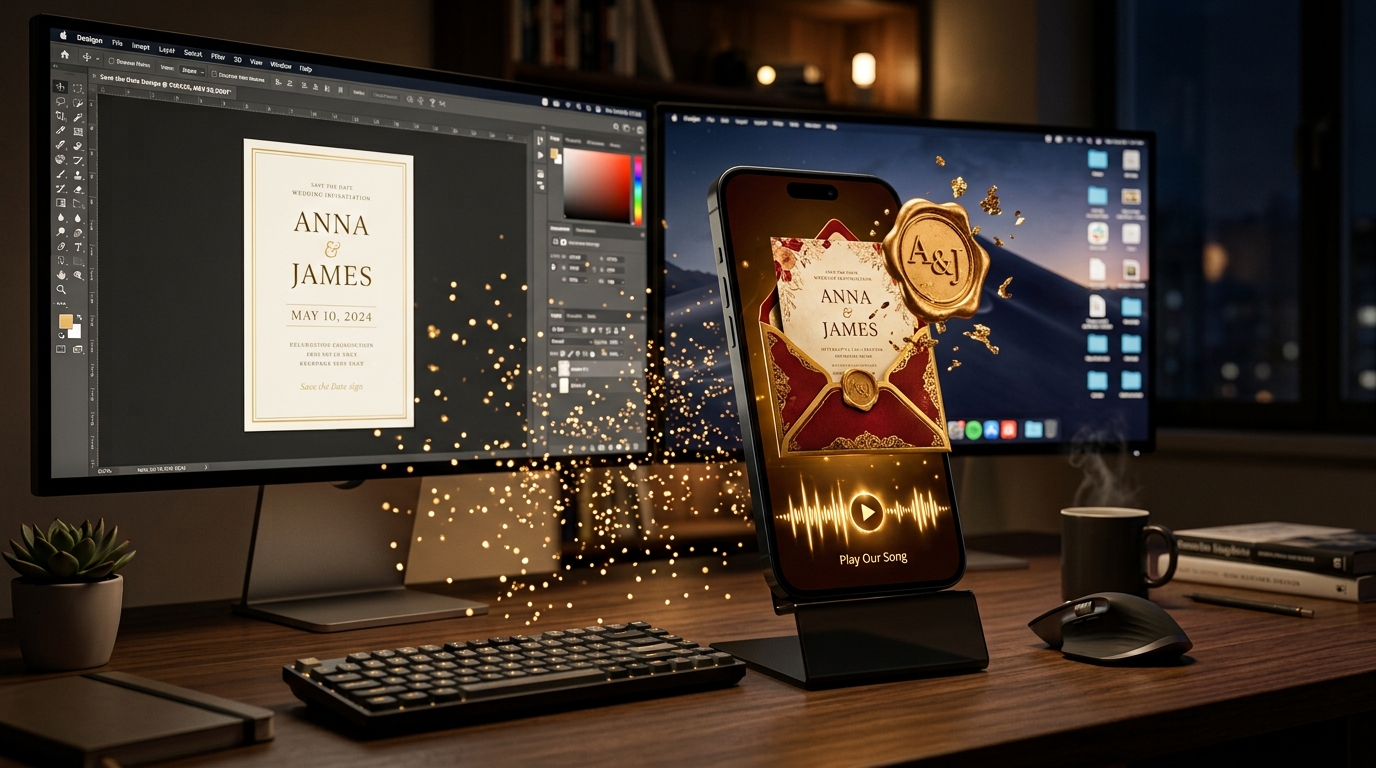
Main Advantages and Disadvantages of Editing Invitations in Canva
For couples preparing for a wedding or engagement, saving money is always a priority. At this stage, many are looking for canva templates for online invitations in search engines. The biggest advantage of Canva is its free base, thousands of ready-made graphic designs and fast editing capabilities: it is possible to change fonts, write names and upload the file in a few minutes.
However, when it comes to a unique event like a wedding, the technical shortcomings of this platform are immediately apparent:
Static format: The resulting file is just a JPEG, PNG or standard PDF.
Location difficulty: The restaurant address written on the image does not lead the guest to direct navigation; the guest has to manually copy the address and search it on the map.
Repeating Templates: The same floral and frame elements can be seen in hundreds of other events.
Static Image vs. Interactive Website: Guest Impression
An ordinary photo sent over WhatsApp is lost among hundreds of other photos in the guest's gallery. An interactive digital invitation, on the other hand, provides the guest with a personalized digital experience rather than a simple announcement.
3D Envelope Opening and Music: When a guest visits the link, they are greeted with a song of the couple's choice, an animated opening of a personalized wax-sealed envelope.
One-Touch Navigation: To get to the restaurant, Waze and Google Maps buttons open the app directly, preventing guests stuck in traffic from calling and asking for directions.
Calendar Integration: Guest adds event to Google Calendar or Apple Calendar with one tap.
Why Canva Doesn't Have Live RSVP And 24 Hour WhatsApp Reminder?
The most stressful part of the wedding organization is the table allocation and the precise determination of the number of guests. Canva is just a graphics editor; it does not maintain a database in the background.
| Functionality | Canva Template (Image/PDF) | Interactive Digital Invitation |
|---|---|---|
| Countdown Timer | Static text (not updating) | Real time stopwatch |
| Live RSVP Registration | None (must be requested by call) | On-Site Coming / Can't Come Button |
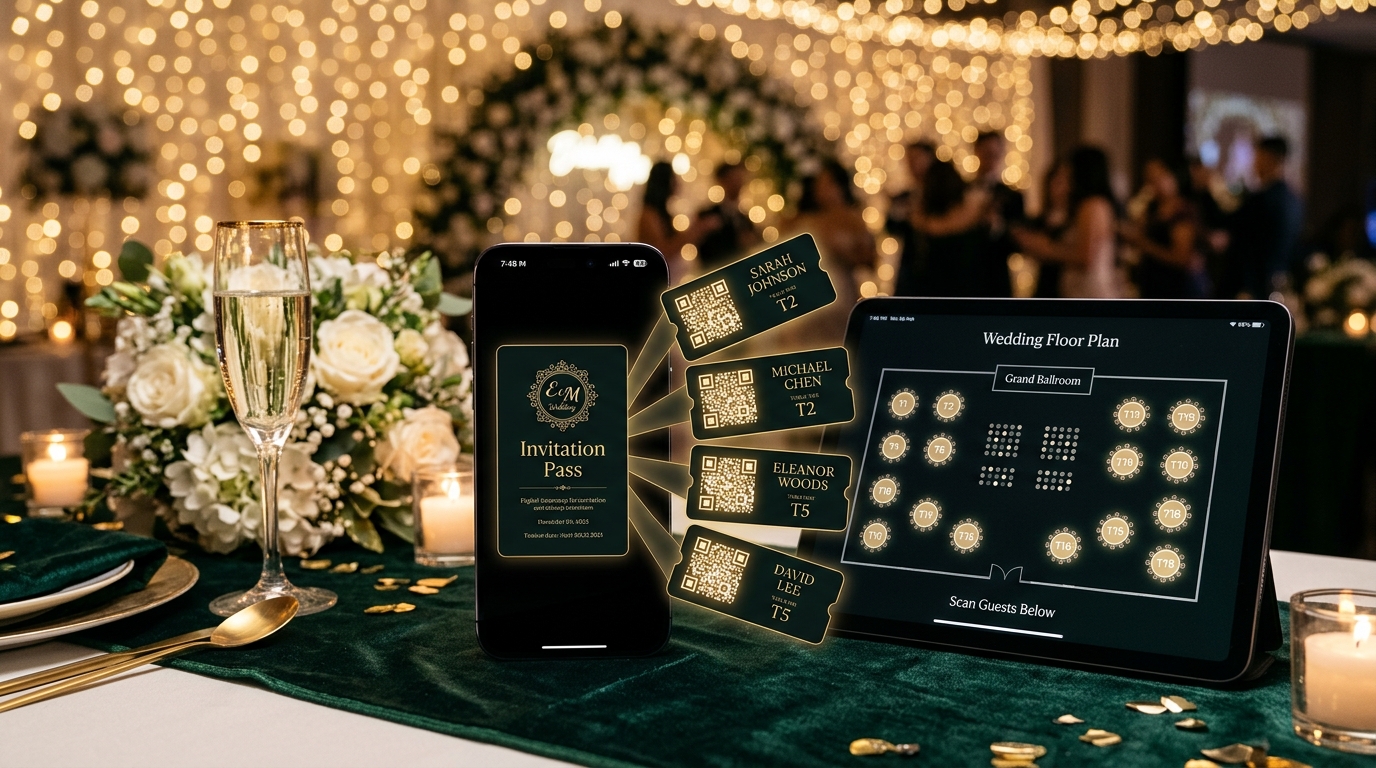
| Table / Zoning | Manual Registration | Approved number to control panel fall |
| Automatic Reminder | None | Automatic notification 24 hours before the event |
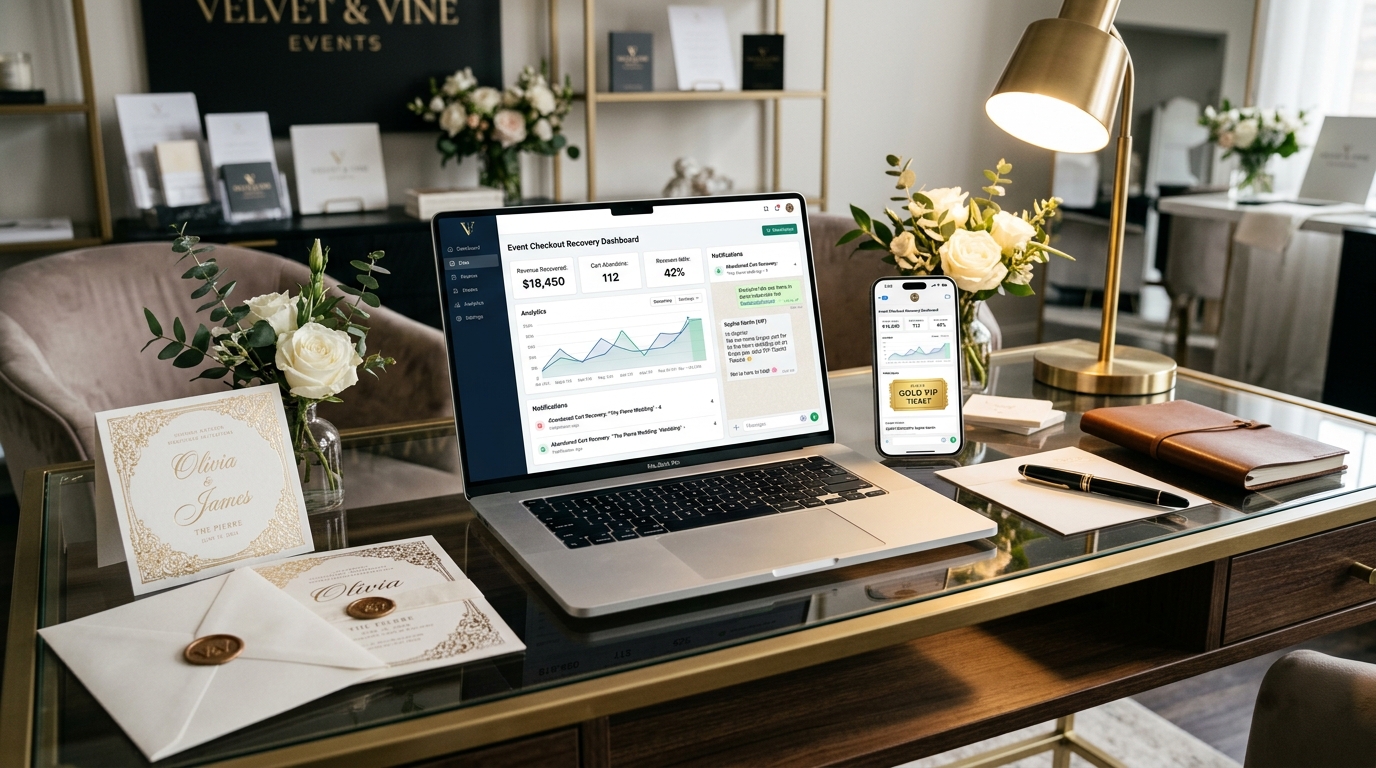
In the invitation from Canva, the couple called each guest individually and asked, "Are you coming?" he has to ask. On the interactive platform, the admin panel shows who has approved and how many people will come with them in a live table.
Which one to choose in 2026? Budget And Time Comparison
Canva templates are a practical and zero-cost solution for small house parties, birthday parties or informal gatherings. But at a wedding or a large-scale corporate event, the suffering of missing functions costs more than the saved budget.
Choosing an interactive digital invitation eliminates both printing and courier costs and reduces organizational chaos to zero. In modern wedding concepts, since the invitation is the first detail that the guest encounters, personal touch and functionality are the most important factors that determine the overall level of the event.