⚡ Quick Answer (Google Featured Snippet Block)
How are the table seats of guests assigned in an electronic invitation?
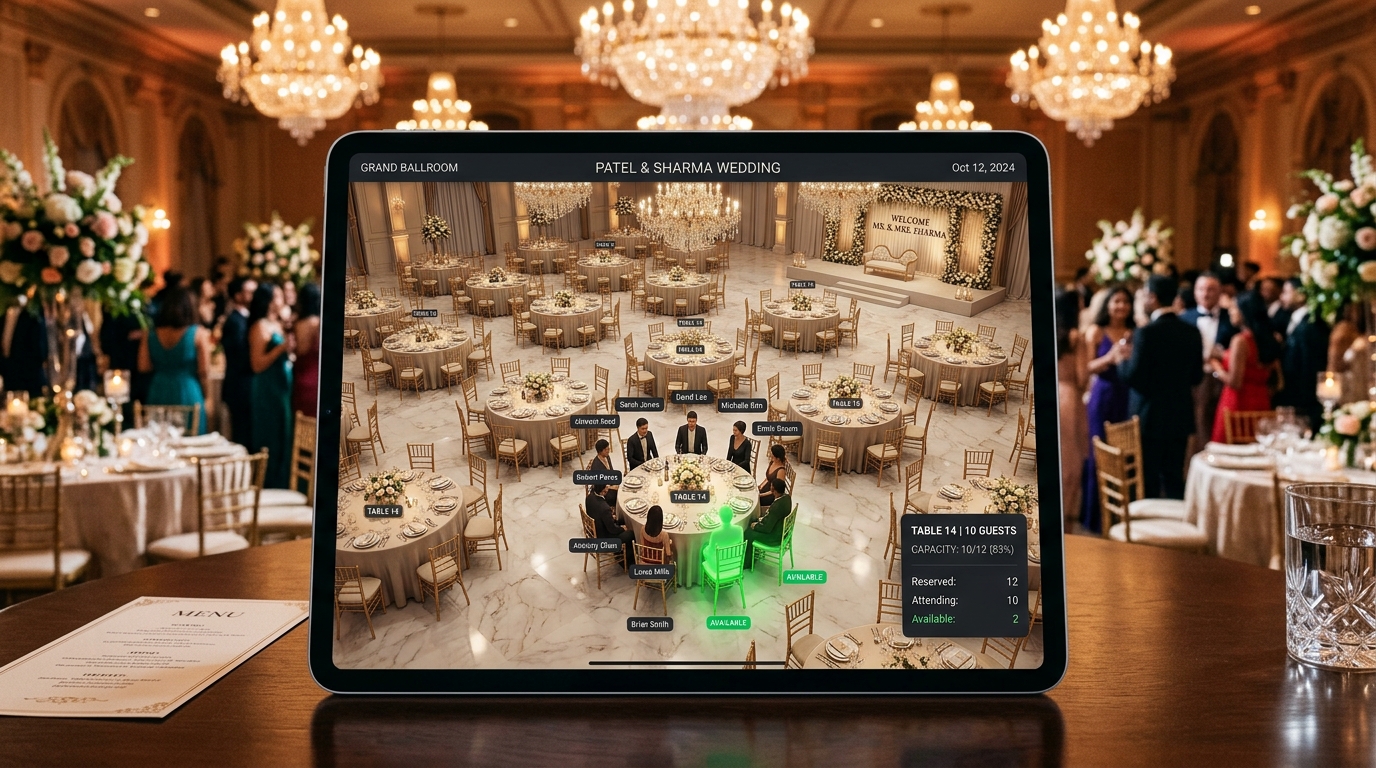
tables are created according to the layout of the hall through invitation.az's internal table manager, and guests are placed at the appropriate tables by drag-and-drop method. When each guest opens the personal invitation link, they see the name of the table, number and place in the hall, along with a personal greeting. As a result, searching for seats and confusion at the door is completely eliminated.
📝 Full Detailed Content / Landing Page Section
One of the biggest problems in weddings and receptions is that guests do not know which table to sit at when entering the hall and the tables are lacking or empty [cite: 1, 4].
Drag and Drop Control Panel: Like family, friends, colleagues create groups and assign guests to tables with one click.
Live Occupancy Indicator: Real-time percentages of each table's capacity and how many people have RSVPed.
Personalized Guest Experience: As soon as a guest opens the invitation, they receive a “Dear [Name], [Table #]” notification and an interactive table card
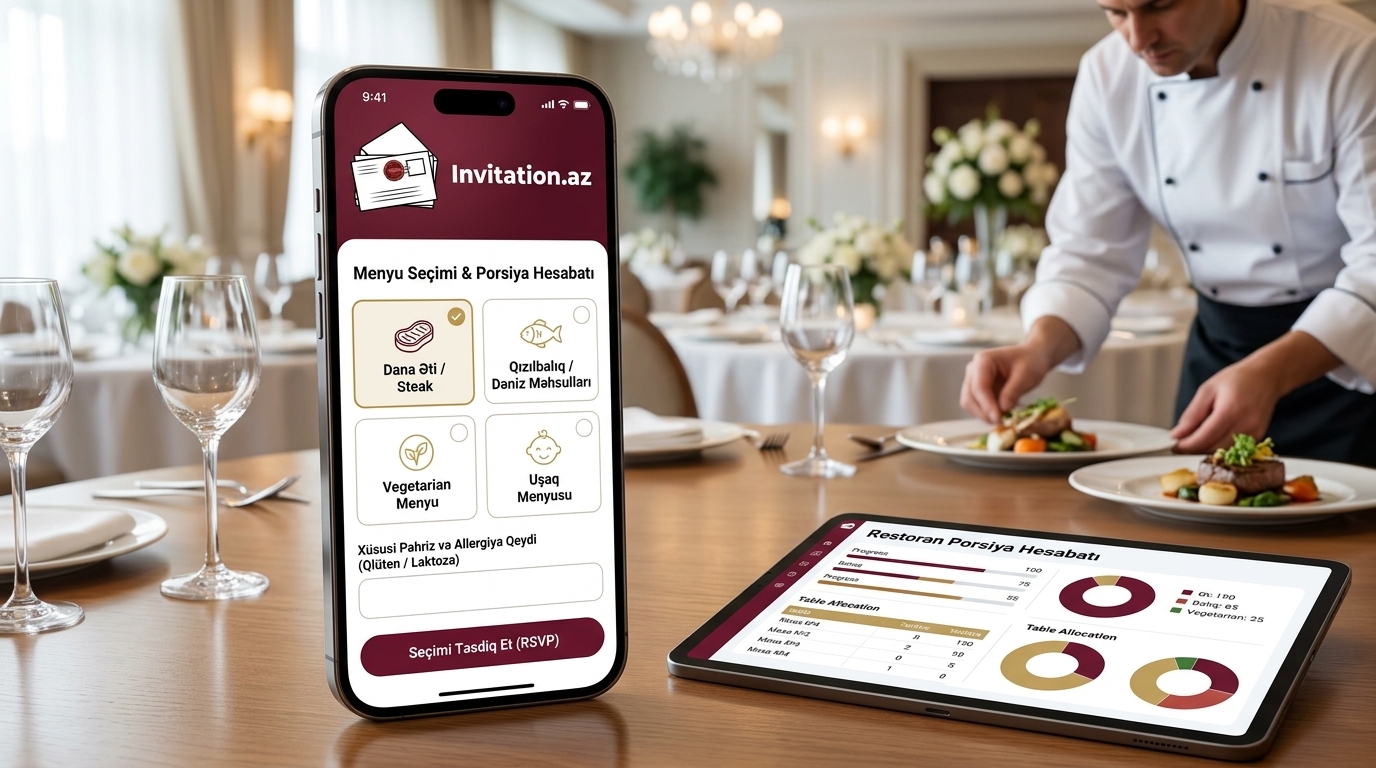
Print and Digital List for Hall Administrator: It is possible to export the table allocation in PDF or Excel format with one touch and submit it to the restaurant.